

How to Hide Desk Cables Without Ruining Your Setup
Messy desk cables are one of the fastest ways to make a clean workspace feel cluttered.
The problem isn’t the cables themselves — it’s how they’re managed.
This guide shows how to hide desk cables in a way that keeps your setup clean, functional, and visually balanced — without damaging your desk or ruining its design.
1️⃣ Identify Which Cables Actually Need to Be Visible


Before hiding anything, start by identifying:
-
Cables you plug and unplug daily (charging cables)
-
Cables that stay connected all the time (monitor, power cables)
Only daily-use cables should remain accessible.
Everything else should be routed out of sight.
This simple step alone can dramatically improve how clean your desk looks.
2️⃣ Route Cables Off the Desktop First


If cables stay on top of your desk, no organizer will fully fix the problem.
The most effective approach is to move cables:
-
Under the desk
-
Along the back edge
-
Into dedicated cable trays or boxes
This keeps your desktop visually clean while still allowing easy access when needed.
Using proper cable management solutions makes this process cleaner and safer, especially for power strips and adapters.
3️⃣ Group and Secure Loose Cables
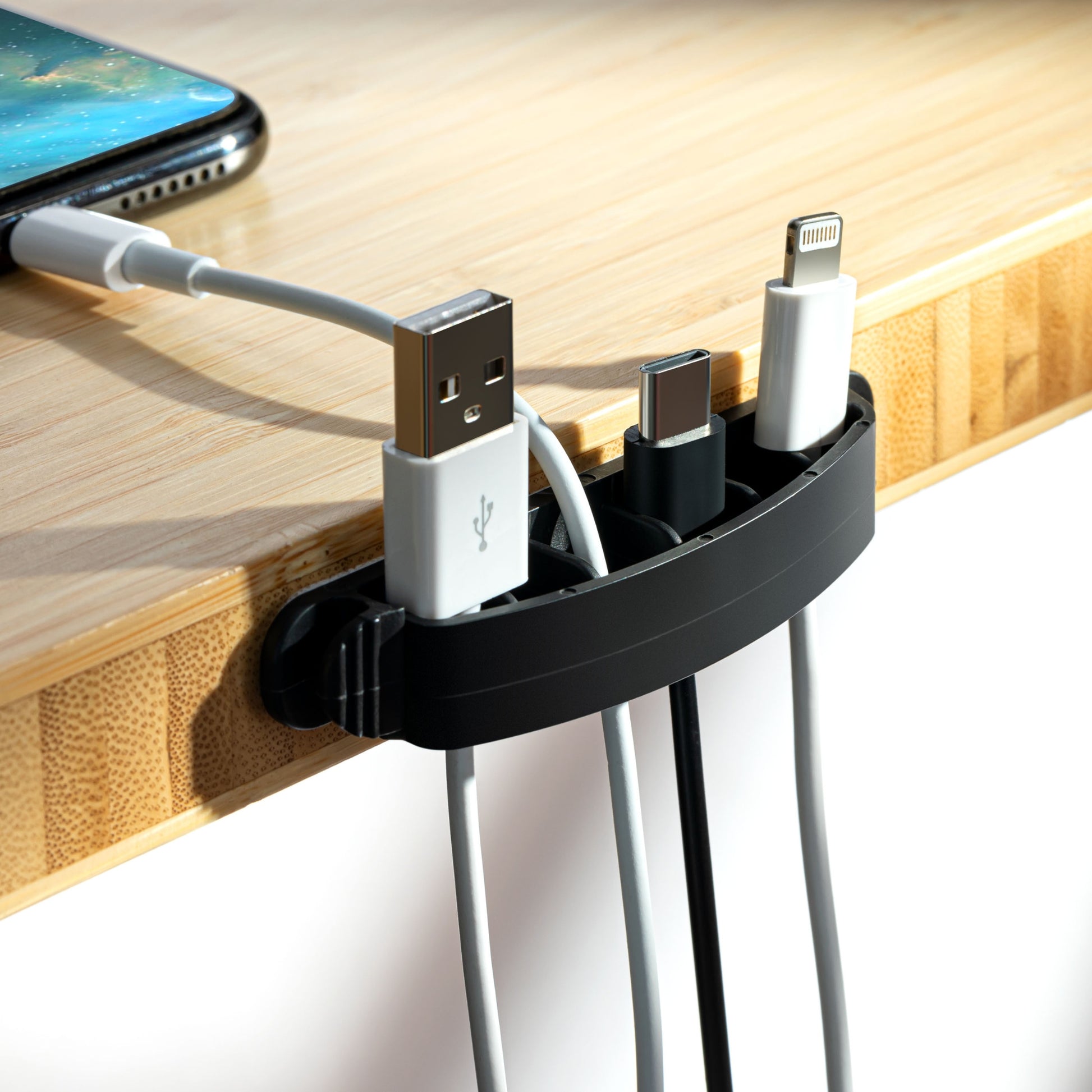
Loose cables create visual noise even when they’re routed off the desk.
Grouping cables by function helps:
-
Work cables together
-
Charging cables together
-
Audio or accessory cables together
Cable clips and holders keep cords in place and prevent them from slipping back onto your workspace.
This makes your setup look intentional instead of improvised.
4️⃣ Combine Cable Management With Desk Organizers
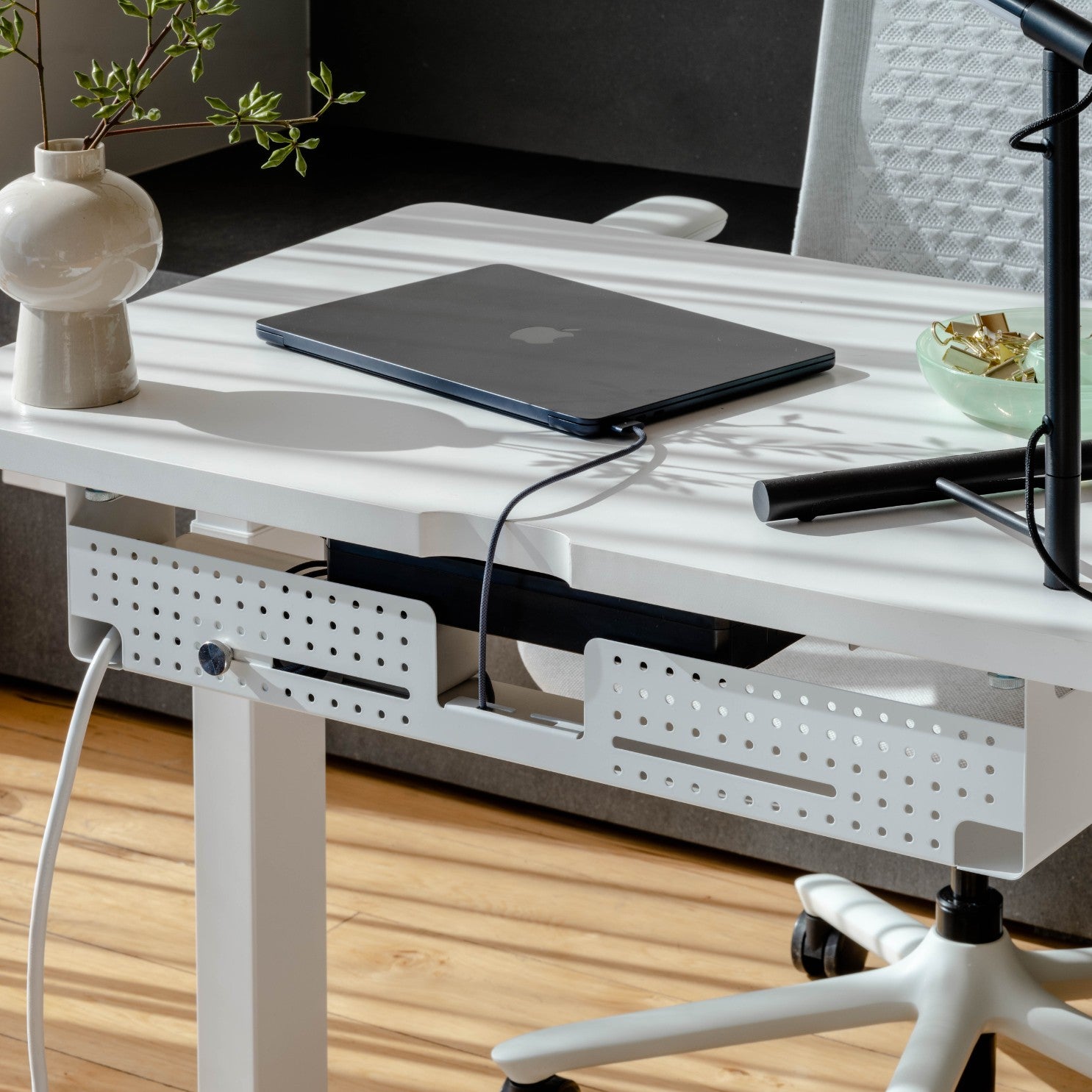
Cable clutter is rarely a standalone problem.
It often appears alongside:
-
Too many small accessories
-
No designated storage
-
Overcrowded desk surfaces
Pairing cable management with smart desk organizers helps control both cables and everyday essentials in one system.
When cables and tools each have their place, the entire desk feels more balanced and usable.
5️⃣ Avoid Over-Hiding Cables

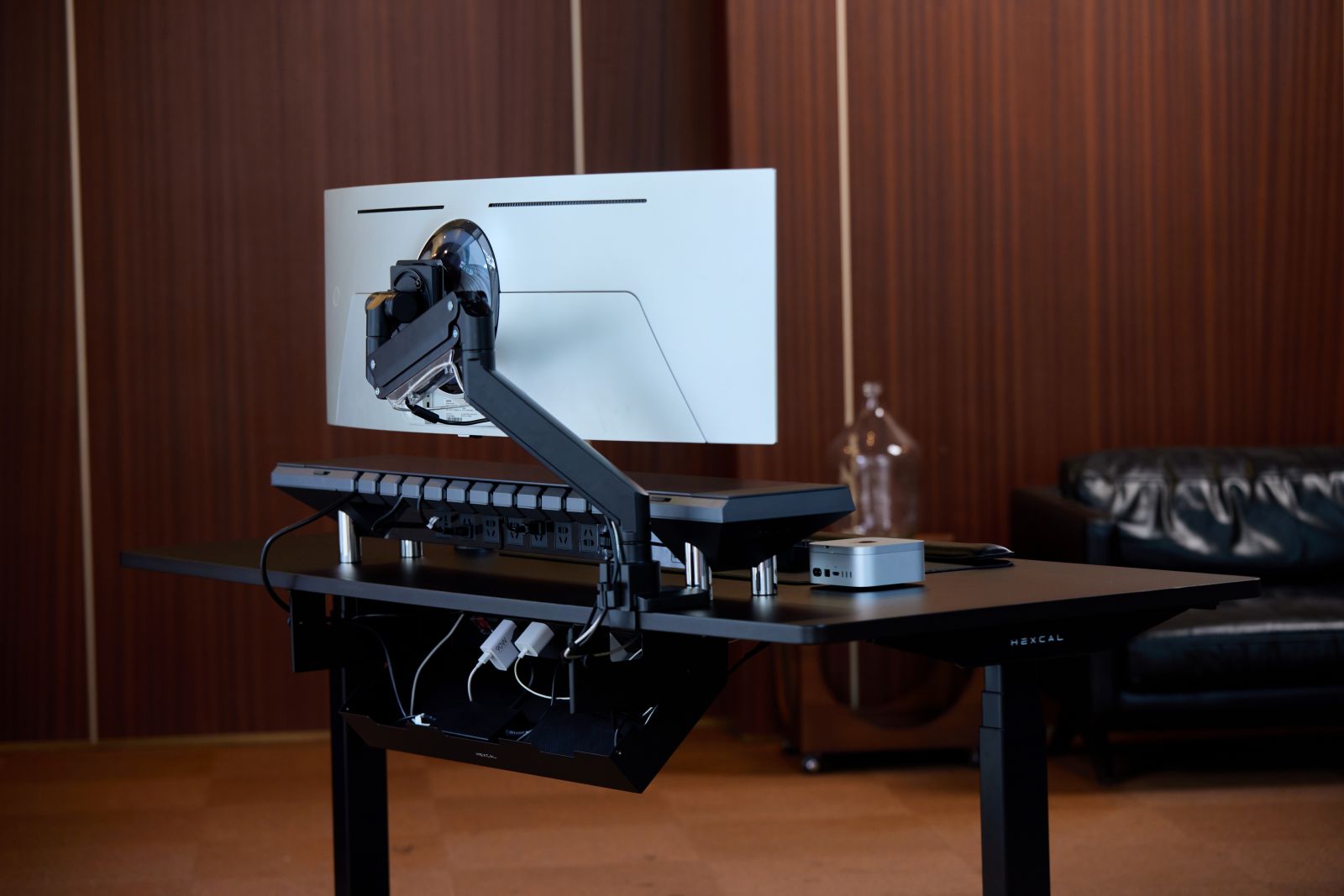
Hiding cables doesn’t mean eliminating accessibility.
Avoid:
-
Sealing cables permanently
-
Routing cords where you can’t reach them
-
Creating tension that damages connectors
A good cable setup is one you don’t notice — until you need it.
Final Thought
A clean desk setup isn’t about having fewer devices.
It’s about managing cables in a way that supports both function and aesthetics.
With the right approach, you can hide desk cables without compromising how your workspace looks or works.